Design Lab
Your outsourced CAD department across the whole case — appliances, wafers, guides and prosthetics.
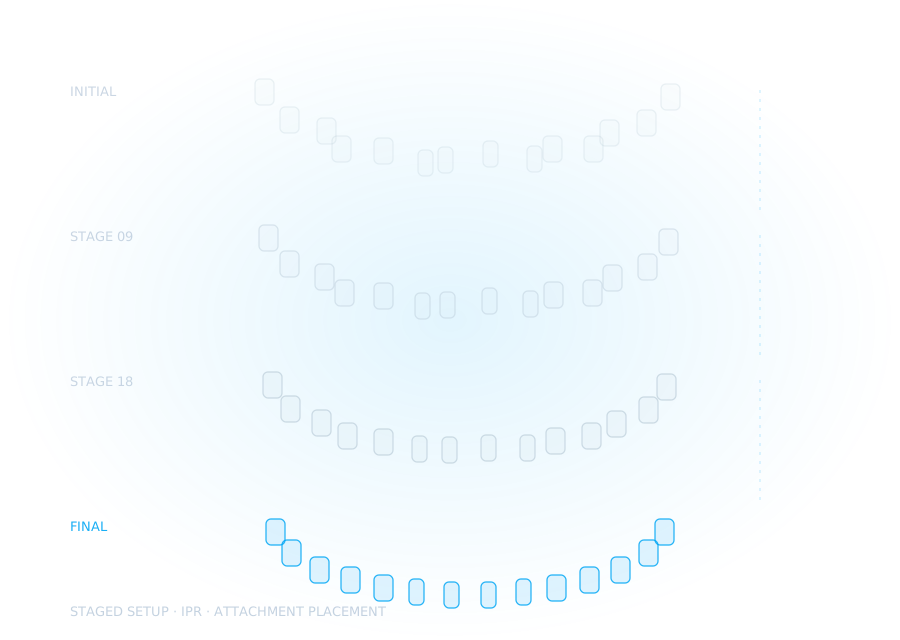
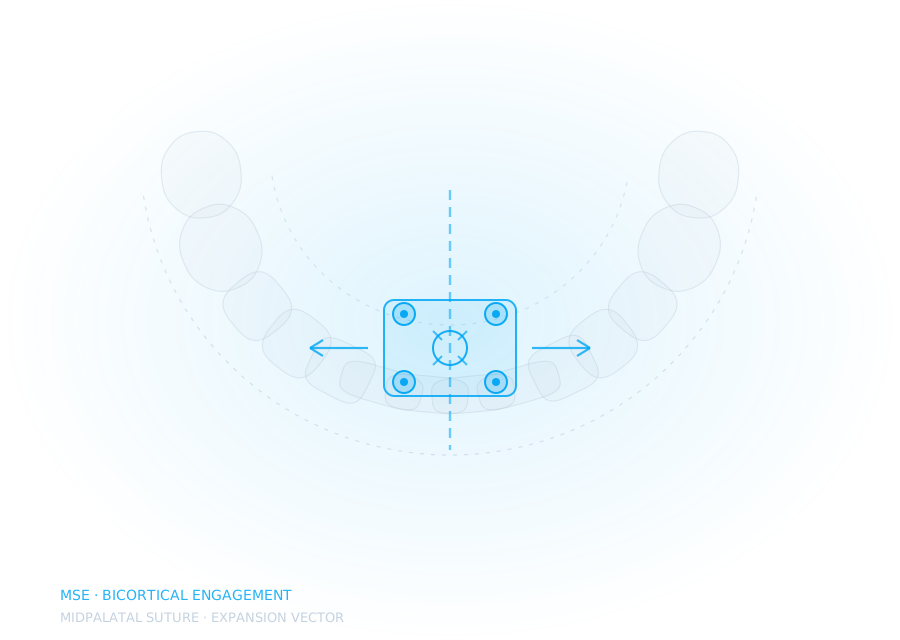
- MSE, MARPE, Class II and aligners
- Le Fort I & BSSO cutting guides, wafers
- Implants and prosthetics in exocad

Your online orthodontic CAD lab. Aligner setups, MARPE, MARA, Benefit-system sliders and fully customised appliances, and the orthognathic cases most design services quietly turn away.
Send the intraoral scan and the CBCT. We merge, register and clean both before anyone draws a wire or an implant axis, because a design built on unregistered data is a guess with a serial number.
Suture, anchorage, screw position, staging order, wafer indexing — then the implant axis and the emergence that has to live with all of it. Every choice made on screen, in the order the case actually happens.
Design files back in 24–72 hours — resin-ready, or built for laser melting in CoCr or titanium, with the reasoning written down and the measurements to back it.
Most practices buy the scanner before they buy the workflow. We work the other way round — plan first, then design, then teach, then hand it over.
Your outsourced CAD department across the whole case — appliances, wafers, guides and prosthetics.
Cohort courses and one-to-one mentorship in digital orthodontics and surgical planning.
Vendor-neutral help building a practice or lab that runs digitally from scan to seat.
A case library, a working journal and clinicians comparing notes in the open.
No black box. You see the plan before it becomes a file, and you can push back at any point.
Drop STL, PLY, OBJ and the CBCT DICOM into a shared folder with a short prescription. No proprietary wrappers, no licence keys, no waiting for a rep to enable your account.
A palate trimmed at the gingival margin, a construction bite taken casually, a CBCT with the field of view cut above the nasal floor. We flag it the same day and say exactly what to re-take. A bad appliance almost always starts as a record nobody questioned.
Screw position comes from the bone that is actually there. Anchorage comes from the teeth you can actually load. Staging comes from what will hold while it moves. Every one of those is a decision we make deliberately and can show you the measurement for.
A viewer link and annotated screenshots land in your inbox, with the measurements that justify the design. Ask for changes in plain language — "move the screws forward", "less indexing on the wafer", and revisions are included, not billed.
Resin-ready output for your own printer, or a file built for laser melting in CoCr or titanium with orientation, supports and lattice already resolved. We own no machine. If you do not produce in-house we route it to a vetted partner and hand you the finished appliance.
Most labs choose a side: ortho or restorative. We do both, which matters most on the cases that need both, where the tooth positions and the final restorations should have been planned together from the start.
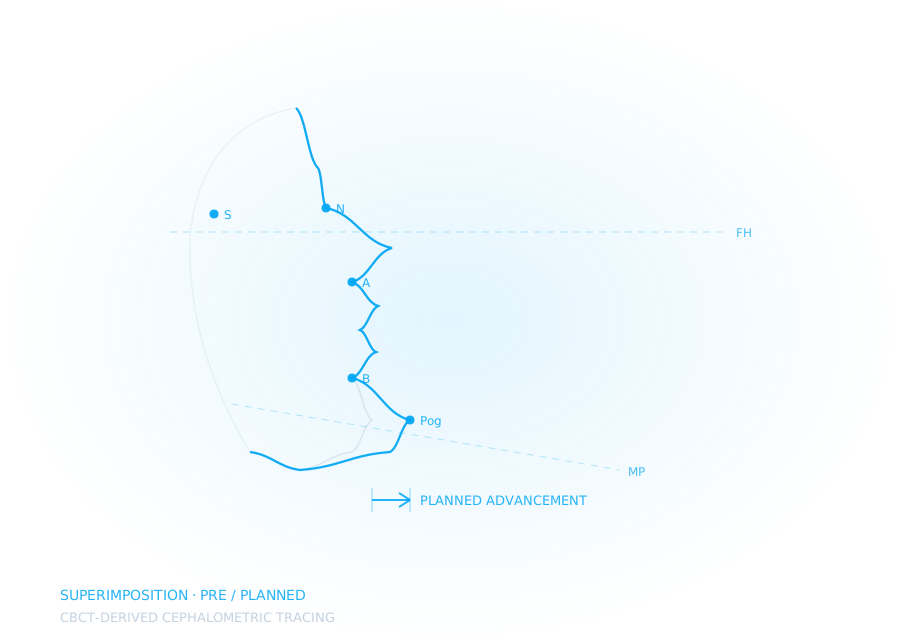
Anyone can show you where the buttons are. The hard part is knowing why a screw goes where it goes, when a wafer will bind, and which cases you should refer rather than attempt.
Every case documents what we planned, what changed at the chair, and what we would do differently. The case we turned down is in there too.
“An expander does not fail because the screw was turned wrongly. It fails because nobody looked at where the bone was before the frame was drawn. The measurement is the product. Everything else is just a file format.”
If yours isn't here, send it over. We answer every message ourselves.
Ask a questionAn upper and lower scan plus a bite, in STL, PLY or OBJ. For any skeletal or surgical case, add the CBCT DICOM. Scan the full palatal vault, not just the teeth. Photographs and a ceph help more than people expect. Send them if you have them.
Retainers and simple appliances are usually back the next working day. Expanders and Class II modules run 48–72 hours because there is planning to agree first, and orthognathic wafers take longer again. If a case is urgent, say so when you upload it and we will tell you honestly whether we can hit your date.
If your scanner exports open STL or PLY and your CBCT exports DICOM, yes. We are deliberately vendor-neutral. We would rather fit into the setup you already own than sell you a new one.
A named designer, working to a plan reviewed by a clinician. You will know who handled your case and you can talk to them directly about it. For skeletal and surgical work, the planning session happens with you before anything is drawn.
That is the whole point of the academy and the consulting track. Plenty of clients start by outsourcing, then bring design in-house once their team is trained, and we would rather that than keep you dependent.
Both. Most people start with one appliance to see how we work. Monthly volume plans exist for practices running a steady ortho list, and they are cheaper per unit, but nobody is locked in.
We will design it, walk you through every decision we made, and you decide whether we are worth keeping.